By using this site, you agree to the Privacy Policy and Terms of Use.
Accept
uniqpedia.onlineuniqpedia.onlineuniqpedia.online
Notification
Font ResizerAa
  • Trending
  • Latest News
  • Sports
  • Guides
  • Jobs
  • Health
  • Tech
  • Online Earning
Reading: How to Apply PAN Card Online in India (2026) – Step-by-Step Application Guide
Share
Font ResizerAa
uniqpedia.onlineuniqpedia.online
  • Trending
  • Latest News
  • Sports
  • Guides
  • Jobs
  • Health
  • Tech
  • Online Earning
Search
  • Home
    • Home News
    • Home 2
    • Home 3
    • Home 4
    • Home 5
  • Home
    • Home News
    • Home 2
    • Home 3
    • Home 4
    • Home 5
  • Home
    • Home News
    • Home 2
    • Home 3
    • Home 4
    • Home 5
  • Categories
    • Tech
    • Entertainment
    • The Escapist
    • Insider
    • ES Money
    • U.K News
    • Science
  • Categories
    • Tech
    • Entertainment
    • The Escapist
    • Insider
    • ES Money
    • U.K News
    • Science
  • Categories
    • Tech
    • Entertainment
    • The Escapist
    • Insider
    • ES Money
    • U.K News
    • Science
  • Bookmarks
    • Customize Interests
    • My Bookmarks
  • Bookmarks
    • Customize Interests
    • My Bookmarks
  • Bookmarks
    • Customize Interests
    • My Bookmarks
  • More Foxiz
    • Blog Index
    • Sitemap
  • More Foxiz
    • Blog Index
    • Sitemap
  • More Foxiz
    • Blog Index
    • Sitemap
Have an existing account? Sign In
Follow US
uniqpedia.online > Blog > Guides > How to Apply PAN Card Online in India (2026) – Step-by-Step Application Guide
GuidesLatest News

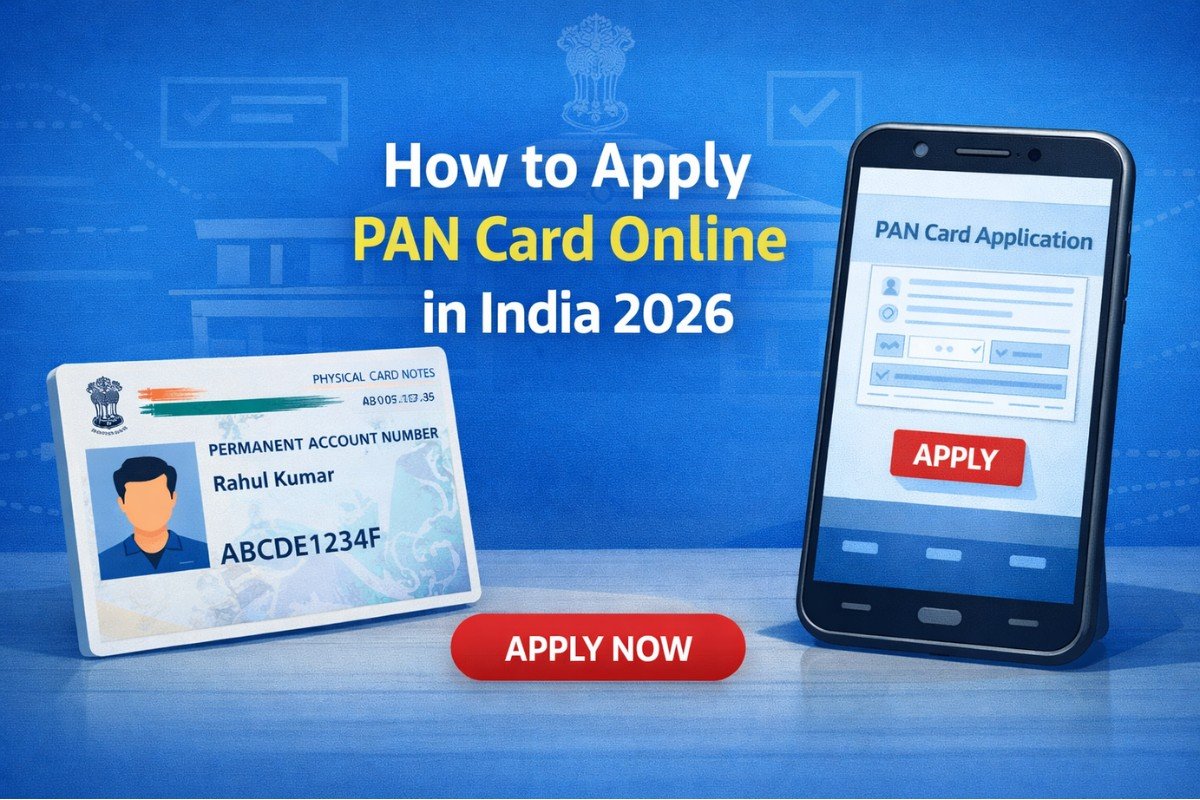
How to Apply PAN Card Online in India (2026) – Step-by-Step Application Guide

Admin
Last updated: March 28, 2026 7:19 pm
Admin
Published: March 28, 2026
Share
SHARE

How to Apply PAN Card Online in India – Step-by-Step Guide

Applying for a PAN card online has become very simple and convenient. You no longer need to visit any government office or stand in long queues. With just your mobile phone or laptop and an internet connection, you can complete the entire PAN card application process from home within a few minutes.

Contents
    • NSDL Portal
    • UTIITSL Portal
  • Identity Proof
  • Address Proof
  • Other Requirements
  • Step 1 – Visit the Official Website
    • NSDL Portal
    • UTIITSL Portal
  • Step 2 – Fill Basic Details
  • Step 3 – Enter Personal Information
  • Step 4 – Upload Documents
  • Step 5 – Pay the Fees
    • Application Charges:
  • Step 6 – Submit and Track Status
    • 👉 Apply PAN Card Online Here:
    • Can I apply for PAN card using mobile?
    • Is Aadhaar mandatory?
    • How long does delivery take?
    • Where can I apply officially?
    • Can I download e-PAN?

A PAN (Permanent Account Number) card is one of the most important documents for every Indian citizen. It is required for opening a bank account, filing income tax returns, investing money, receiving salary payments, and many other financial activities.

In this step-by-step guide, you will learn how to apply for a PAN card online, the required documents, application fees, and the official links to apply safely.

Apply PAN Card Online – Official Websites

You should always apply only from government-approved portals.

👉 Apply from here: These two websites are 100% official and secure.

NSDL Portal

Click Here

UTIITSL Portal

Click Here

What is a PAN Card?

PAN stands for Permanent Account Number. It is a unique 10-digit alphanumeric number issued by the Income Tax Department of India. It helps the government track financial transactions and prevents tax evasion.

Without a PAN card, you may face problems while:

  • Opening a bank account
  • Applying for loans
  • Investing in mutual funds
  • Buying property
  • Filing taxes

That’s why applying for a PAN card is essential.

Documents Required for PAN Card Application

Before you start the application, keep the following documents ready.

Identity Proof

  • Aadhaar Card
  • Voter ID
  • Passport
  • Driving License

Address Proof

  • Aadhaar
  • Bank statement
  • Electricity bill

Other Requirements

  • Mobile number linked with Aadhaar
  • Email ID
  • Passport-size photo
  • Signature scan

Step-by-Step Process to Apply PAN Card Online

Follow these simple steps carefully.

Step 1 – Visit the Official Website

Open one of the official portals:

NSDL Portal

Click Here

UTIITSL Portal

Click Here

Click on New PAN Card Application (Form 49A).

Step 2 – Fill Basic Details

Enter:

  • Full name
  • Date of birth
  • Mobile number
  • Email ID

Submit the form to proceed.

Make sure your details match Aadhaar exactly.

Step 3 – Enter Personal Information

Now provide:

  • Father’s name
  • Address
  • Aadhaar number
  • Occupation
  • Source of income

Double-check spelling before moving ahead.

Step 4 – Upload Documents

Upload:

  • Photo
  • Signature
  • Identity proof
  • Address proof

Files must be clear and readable. Blurry images may cause rejection.

Step 5 – Pay the Fees

Application Charges:

  • ₹107 (Indian address)
  • ₹1017 (Foreign address)

Payment methods:

  • UPI
  • Debit card
  • Net banking
  • Credit card

After payment, you will receive an acknowledgement number.

Step 6 – Submit and Track Status

Use your acknowledgement number to track the status of your PAN card.

Usually:

  • e-PAN: 2–3 days
  • Physical card: 7–10 days

Ready to Apply Now?

👉 Apply PAN Card Online Here:

  • NSDL Portal
  • UTIITSL Portal

Important Tips for Successful Application

Follow these tips to avoid mistakes:

✅Use correct Aadhaar details
✅Upload clear documents
✅Use active mobile number
✅Save acknowledgement number
✅Do not use fake websites

These tips help avoid rejection or delays.

enefits of Applying PAN Card Online

Applying online offers many advantages:

  • No office visit required
  • Faster processing
  • Easy status tracking
  • Secure payment
  • Available 24/7

It saves both time and effort.

Frequently Asked Questions (FAQ)

Can I apply for PAN card using mobile?

Yes, you can apply using your smartphone.

Is Aadhaar mandatory?

Yes, Aadhaar is required for online verification.

How long does delivery take?

Usually 7–10 working days.

Where can I apply officially?

You can apply through NSDL or UTIITSL official websites.

Can I download e-PAN?

Yes, you can download it after approval.

Conclusion

Applying for a PAN card online is quick, easy, and convenient. By following the steps mentioned above, you can complete the process within minutes without visiting any office. Always use official government websites and keep your documents ready for a smooth application.

For more helpful guides, tutorials, and updates, keep visiting Uniqpedia regularly.

How to Download e-Aadhaar
How to Update Aadhaar Documents Online for Free – Complete UIDAI Step-by-Step Guide (No Fees Required)
How to Start YouTube Channel
How to Check Aadhaar Status Online – Track Update, Enrollment & PVC Card Status (Step-by-Step Guide)
How to Link Aadhaar with PAN
Share This Article
Facebook Email Print
Leave a Comment

Leave a Reply Cancel reply

Your email address will not be published. Required fields are marked *

Follow US

Find US on Social Medias
FacebookLike
XFollow
YoutubeSubscribe
TelegramFollow

Weekly Newsletter

Subscribe to our newsletter to get our newest articles instantly!
Popular News
Insider

Business Casual: The Definitive Guide for Women To Be Stylish At Work

Admin
Admin
August 2, 2021
Key Trends Developing in Global Equity Markets
Apple iMac M1 Review: the All-In-One for Almost Everyone
Apple VS Samsung– Can a Good Smartwatch Save Your Life?
Hands-On With the iPhone 13, Pro, Max, and Mini
- Advertisement -
Ad imageAd image
Global Coronavirus Cases

Confirmed

0

Death

0

More Information:Covid-19 Statistics

Categories

  • ES Money
  • U.K News
  • The Escapist
  • Insider
  • Science
  • Technology
  • LifeStyle
  • Marketing

About US

Uniqpedia is a modern digital platform that delivers the latest news, trending updates, technology insights, and easy-to-follow guides. Our goal is to provide accurate information, helpful tutorials, and useful resources to keep our readers informed and empowered every day. From breaking news to how-to guides, we simplify knowledge for everyone.
uniqpedia.online

Never Miss an Update

Be the first to receive latest news, trending stories and useful guides from Uniqpedia.

Facebook Instagram Youtube Pinterest X-twitter Telegram
Quick Link
  • About Us
  • Contact Us
  • Privacy Policy
  • Terms & Conditions
  • Disclaimer
  • Correction Policy
  • Ethics Policy
  • Fact Checking Policy
Top Categories
  • Trending
  • Latest News
  • Sports
  • Guides
  • Jobs
  • Health
  • Tech
  • Online Earning
© Copyright 2026 uniqpedia.com – All Rights Reserved | Developed by Acreatixgrid
Welcome Back!

Sign in to your account

Username or Email Address
Password

Lost your password?


